Stop pasting API keys into mcp.json.
kprun keeps secrets in a KeePass vault and injects them into one child process — an MCP server, a coding agent, a script. Nothing written to disk, nothing shared across sessions, nothing logged.
curl -fsSL https://raw.githubusercontent.com/numikel/kprun/refs/heads/main/scripts/install.sh | sh
The 5-second fix
Same MCP server, same config file — the token just isn't there anymore.
{"mcpServers": {"github": {"command": "npx","args": ["-y", "@modelcontextprotocol/server-github"],"env": { "GITHUB_TOKEN": "ghp_9f8a...live token, in plaintext" }}}}
{"mcpServers": {"github": {"command": "kprun","args": ["run", "github", "--", "npx", "-y", "@modelcontextprotocol/server-github"]}}}
Why kprun exists
The problem
Every MCP server and coding agent needs API keys — and today those keys usually end up hardcoded in mcp.json, exported for the whole shell session, or sitting in a project .env file.
- mcp.json and agent configs store tokens in plaintext, right next to code you commit
- Shell-exported secrets leak into every child process, forever, for the whole session
- That .env file in your repo? One git add . away from a public leak
The kprun way
One encrypted KeePass vault. kprun run entry -- command decrypts secrets only for the process you launch — an MCP server, a coding agent, a script — then throws them away the moment it exits.
- A single .kdbx vault — KeePassXC-compatible, unlock via OS keystore or keyfile
- Per-process injection: your agent's config file never sees a raw token
- Audit log records entry names and key names — never values
See it run
init a vault, store a token, launch an MCP server — three commands, nothing else touched.
How it works
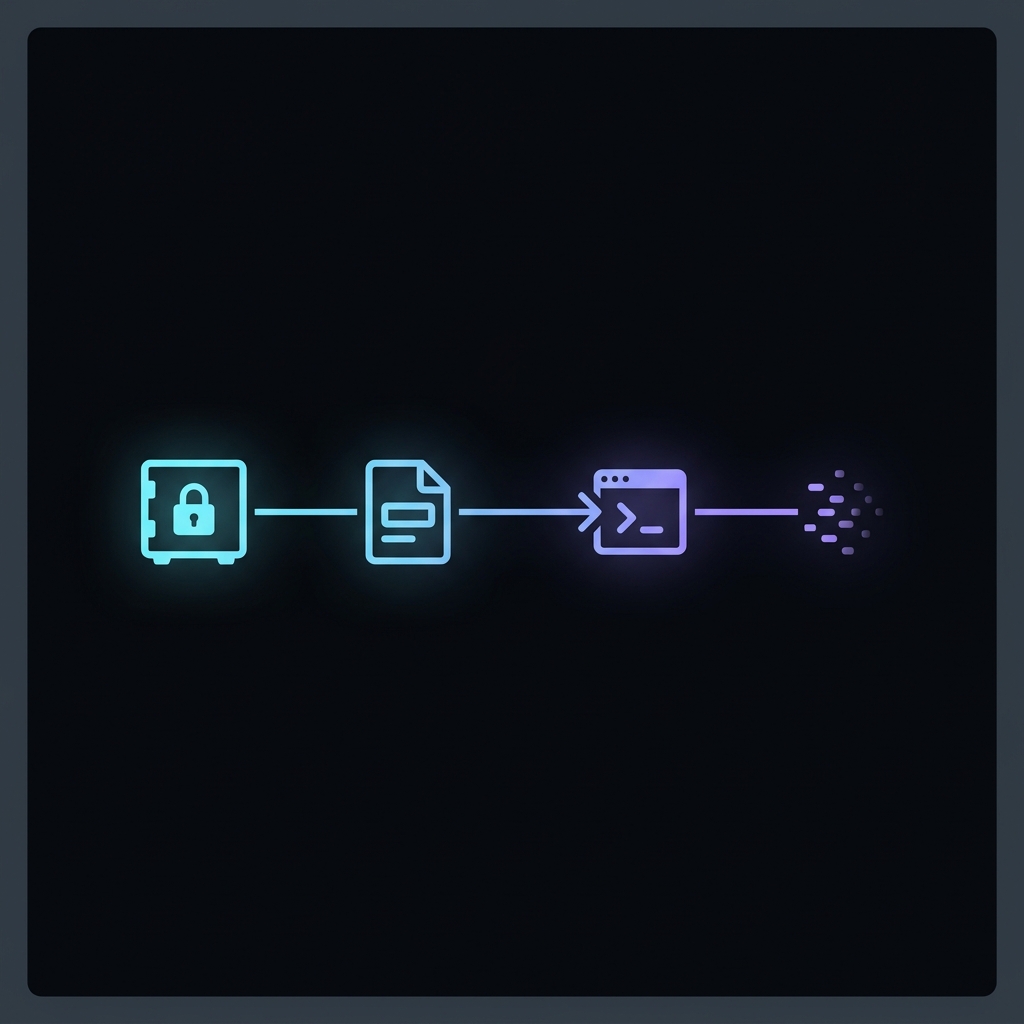
- 1
Unlock the vault
kprun opens your .kdbx via OS keystore, keyfile, or an interactive prompt — never a plaintext password on disk.
- 2
Read entry fields
Custom string fields on a KeePass entry become environment variable names and values, exactly as you defined them.
- 3
Spawn a child process
The requested command runs with those variables injected into its environment only — your shell stays clean.
- 4
Clean exit
When the child process exits, the injected environment goes with it. Nothing lingers, nothing leaks to sibling processes.
Features
MCP-safe by design
Wrap any MCP server's command with kprun run — stdio stays clean, secrets never appear in the server's config file.
Audit log, not a leak log
Every injection is recorded: timestamp, entry, key names, child command. Values never touch the log.
Cross-platform
Linux, macOS, and Windows, on x86_64 and arm64. One binary, no runtime dependencies.
KeePassXC-compatible
Standard .kdbx format — edit your vault in the KeePassXC GUI if you want a visual editor.
Keyfile & CI-ready
Generate a keyfile for non-interactive contexts — cron, Task Scheduler, CI runners — no prompts required.
Full lifecycle CLI
init, set, get, list, export, import, doctor, mcp, deinit — everything scriptable, nothing hidden.
Installation
curl -fsSL https://raw.githubusercontent.com/numikel/kprun/refs/heads/main/scripts/install.sh | shFAQ
A .env file is plaintext on disk, readable by any process with file access, and easy to commit by accident. kprun keeps secrets encrypted in a KeePass vault and injects them only into the single process you launch — nothing is ever written back to disk in plaintext.
No. The agent only calls kprun run as a command — it never opens the vault, sees the master password, or gets the token in its context. kprun decrypts the secret and injects it as an env var into the child process, nothing more. For hosted MCP servers that need a bearer token over HTTP instead of a local process, kprun mcp does the same job as a stdio-to-HTTP bridge. (Copilot CLI and Codex CLI fix their model at startup and don't fit this pattern well — see copilot-cli-custom-proxy for those.)
No. The audit log records entry titles and injected key names only — never values. The vault path itself is also excluded, identified only by a non-reversible hash.
Yes. kprun uses the standard .kdbx format, so you can open, inspect, and edit the same vault in the KeePassXC desktop app at any time.
A single static binary — Linux, macOS, or Windows, x86_64 or arm64. No runtime dependencies. Building from source requires Rust 1.88.0+.
Generate a keyfile with kprun init --keyfile, then export KPRUN_KEYFILE in the job environment. kprun unlocks non-interactively using the keyfile — no password prompt required.